Email Extractor for Facebook
Save time by exporting permitted, visible profile information from Facebook groups and search results (People and Pages) to CSV or Excel. Email Extractor helps organize contact details and social links that are available to you, so you can review and use the data responsibly.
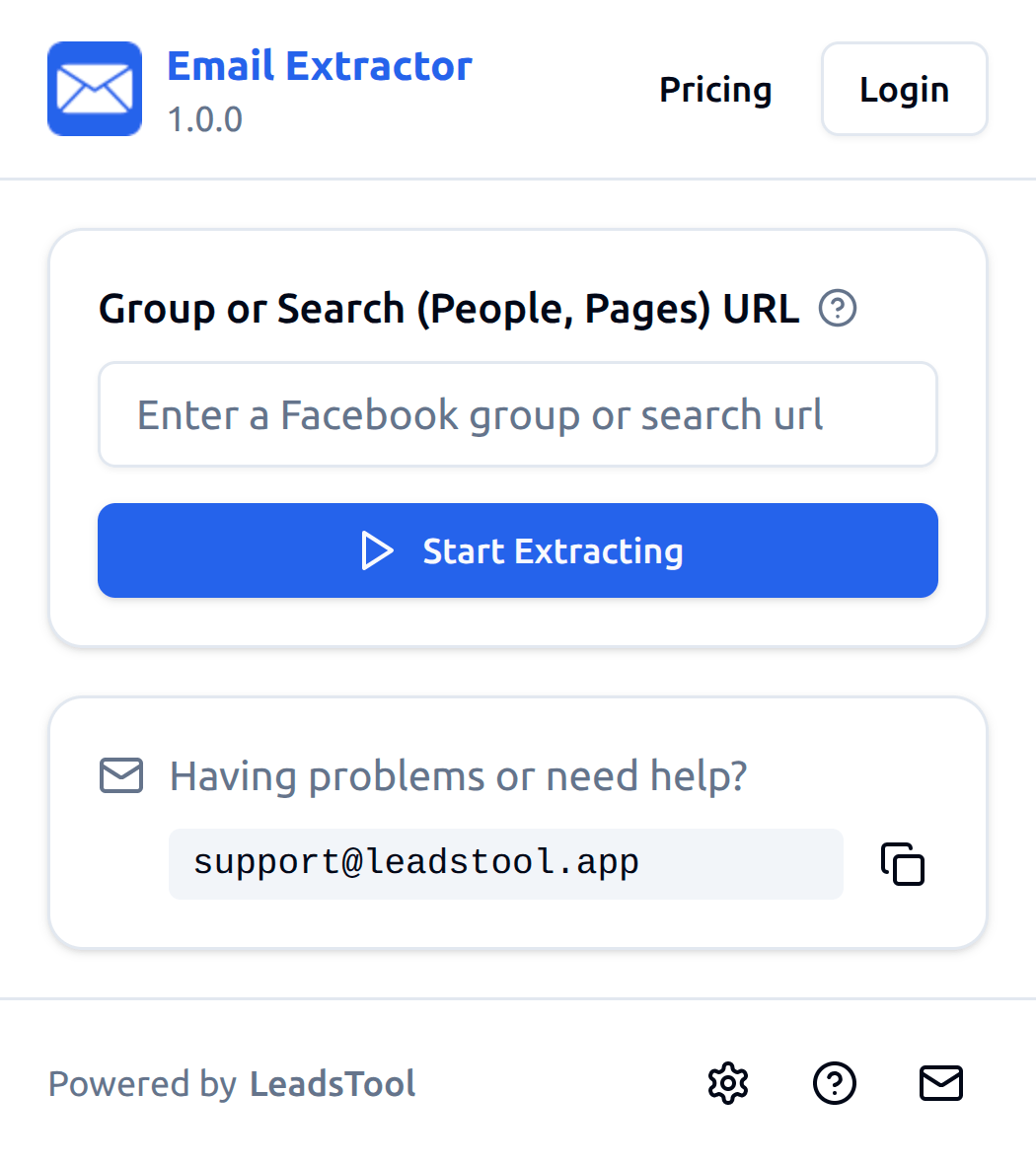
Facebook Email Extractor
Facebook Email Extractor helps you collect and organize visible profile data from supported Facebook pages you are allowed to access. Export names, profile links, and available contact fields into a clean CSV file for compliant review and follow-up.
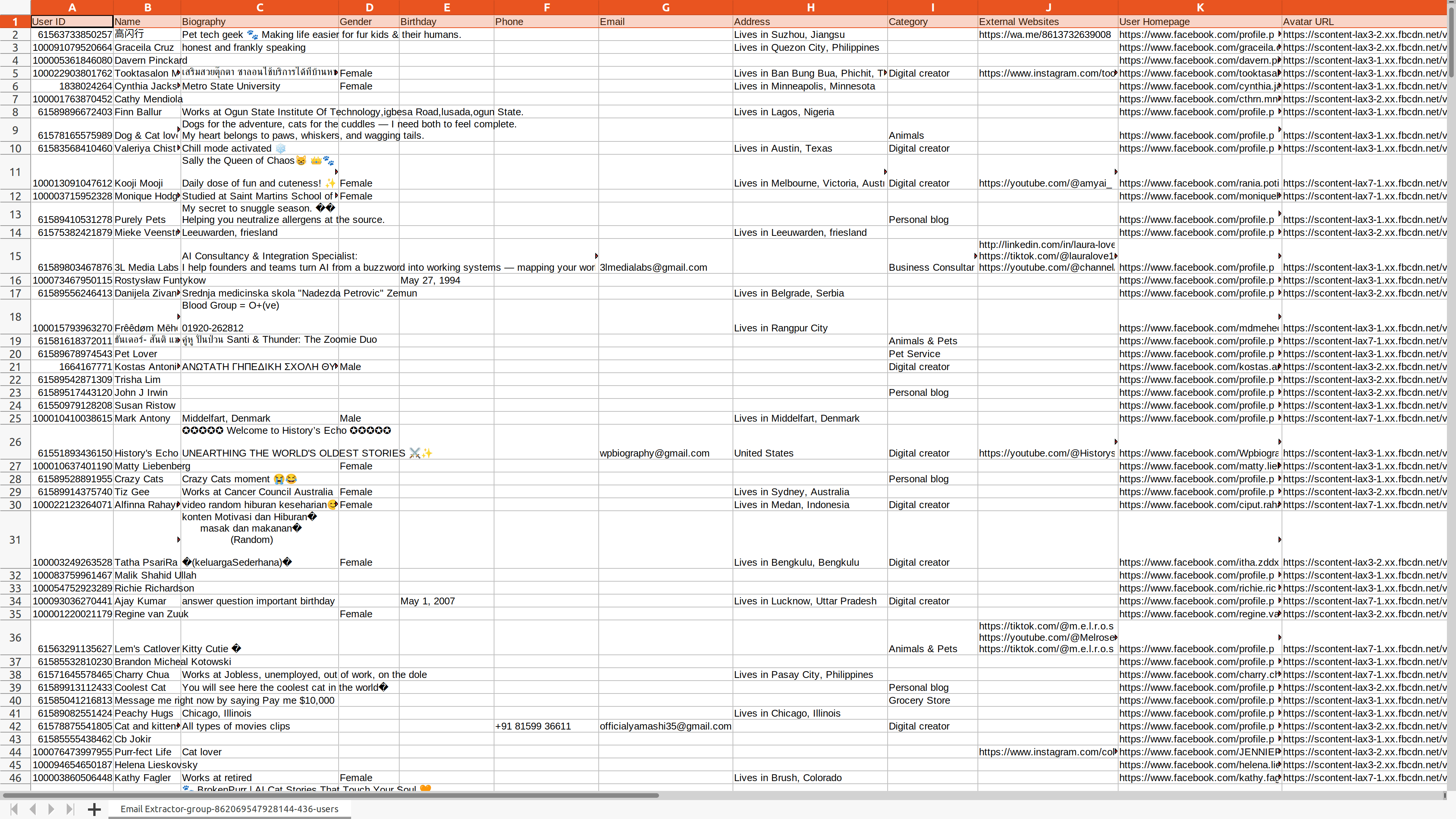

Supported Export Fields
Fields are exported only when they are visible to you on supported pages and available during extraction.
User ID
Visible profile or page identifier when available
Name
Visible profile or page name
Biography
Visible biography or intro text when available
Gender
Visible gender field when available
Birthday
Visible birthday field when available
Phone
Visible phone number when available
Visible email address when available
Address
Visible address field when available
Category
Visible page or profile category when available
External Websites
Visible external website links when available
User Homepage
The visible Facebook profile or page URL
Avatar URL
Visible profile picture URL when available
Simple, Transparent Pricing
Choose the perfect plan for your needs. Start free, upgrade anytime.
Free
Get started for free
- Export up to 40 users each time
- Export users from public groups and search results (People and Pages)
- Export emails and phone numbers only when visible to you and available on the profile
- Export results as CSV / XLSX
- Continue export from History tasks
Pro
Unlock full potential with Pro plan
- Export more available users each time, subject to platform availability
- Export users from public groups and search results (People and Pages)
- Export emails and phone numbers only when visible to you and available on the profile
- Export results as CSV / XLSX
- Continue export from History tasks
Start free • Cancel anytime • Use exported data responsibly
Frequently Asked Questions
Feel free to contact us if you have any other questions.